 Keydoze
A little pause.
A cleaner Mac.
Pause keyboard, trackpad, and mouse input while you clean your Mac.
Get Keydoze
Free & open source macOS
26+
Source preview available now
How it works.
-
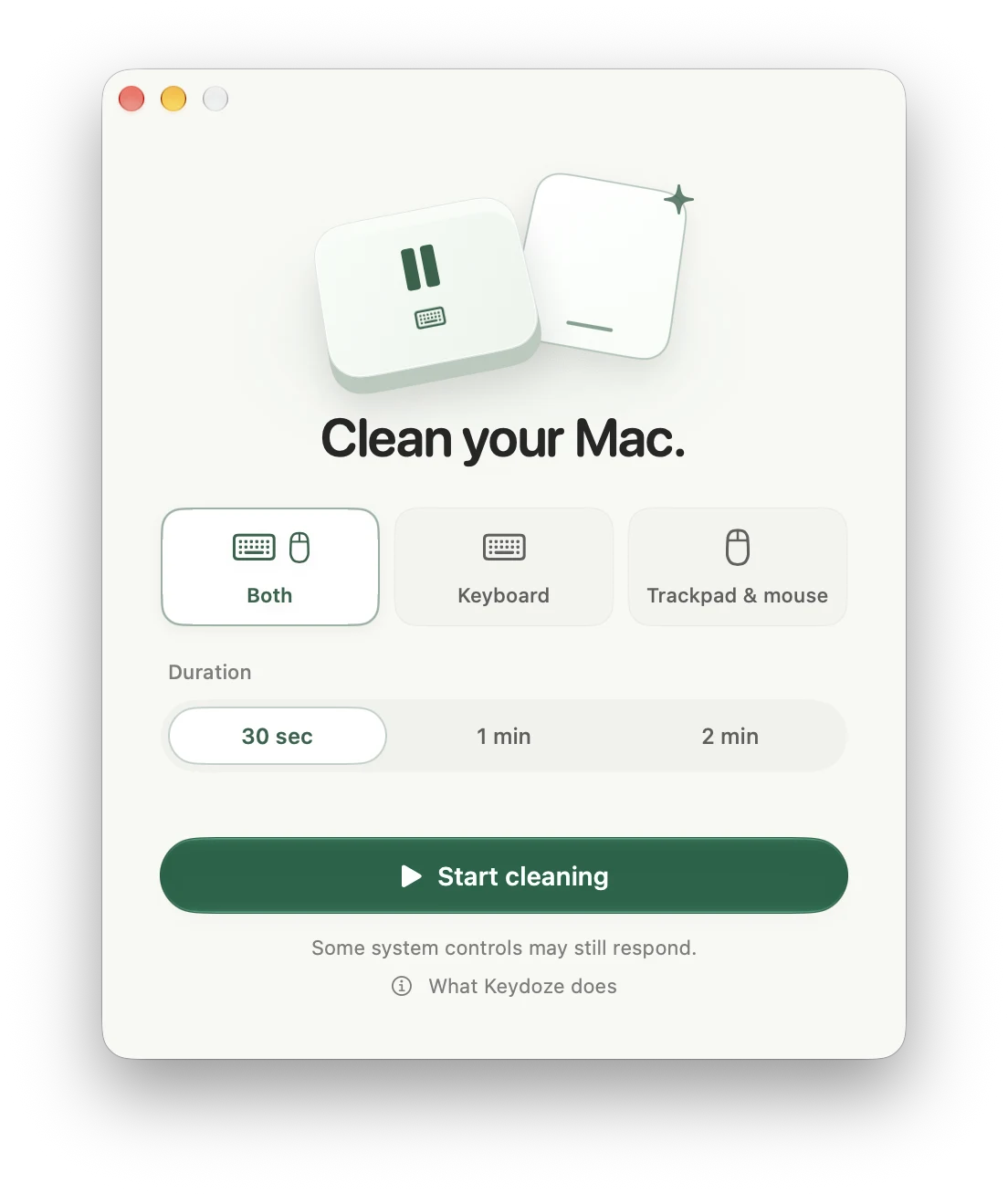
Choose your inputs.
Keyboard, trackpad & mouse, or both—built-in and external.
-
Set a timer.
Choose 30 seconds, 1 minute, or 2 minutes.
-
Clean your Mac.
Click “Start cleaning.” After the countdown, wipe things down. Input returns when the timer ends.
Some system gestures and hardware keys can still respond. See what’s covered
Try the source preview
Build Keydoze from source while Apple notarization is pending.
Download source
Source code ZIP, not an installable app.
Requires macOS 26+ and
Xcode with Swift 6.2+.
Good to know
Can I end a pause early?
Hold both Shift keys for two seconds. In trackpad & mouse mode, press Escape. Keyboard-only mode also has a “Finish now” button. The app keeps the recovery shortcut visible during your session.
Why does it need Accessibility permission?
macOS requires Accessibility permission to pause input. Keydoze only pauses input during a session you start. You can revoke permission in System Settings at any time.
Found a bug? Have an idea?
Open an issue on GitHub for bugs and feature requests. Contributions are welcome too—start with the contributing guide.